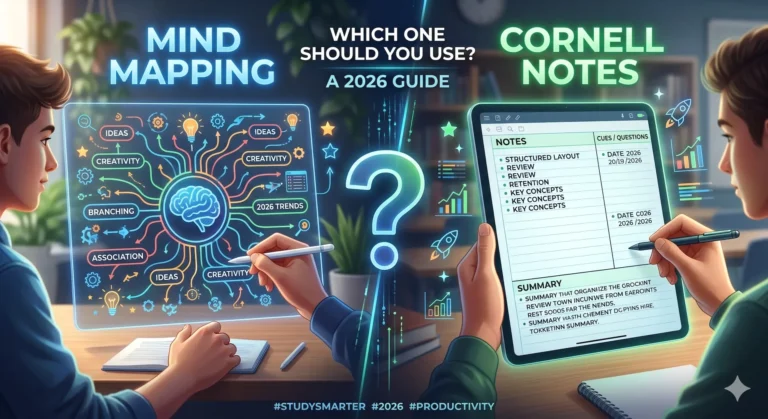
In an age of information overload effective note-taking is a superpower. Students juggle lectures and textbooks, professionals handle back-to-back meetings and lifelong learners devour books and podcasts. Yet most people still take notes old-fashioned way—trying to capture everything resulting in pages of dense text that are rarely reviewed.
What if you could create clear, concise, memorable notes that boost retention and cut your note-taking time in half? This comprehensive guide shows you exactly how.
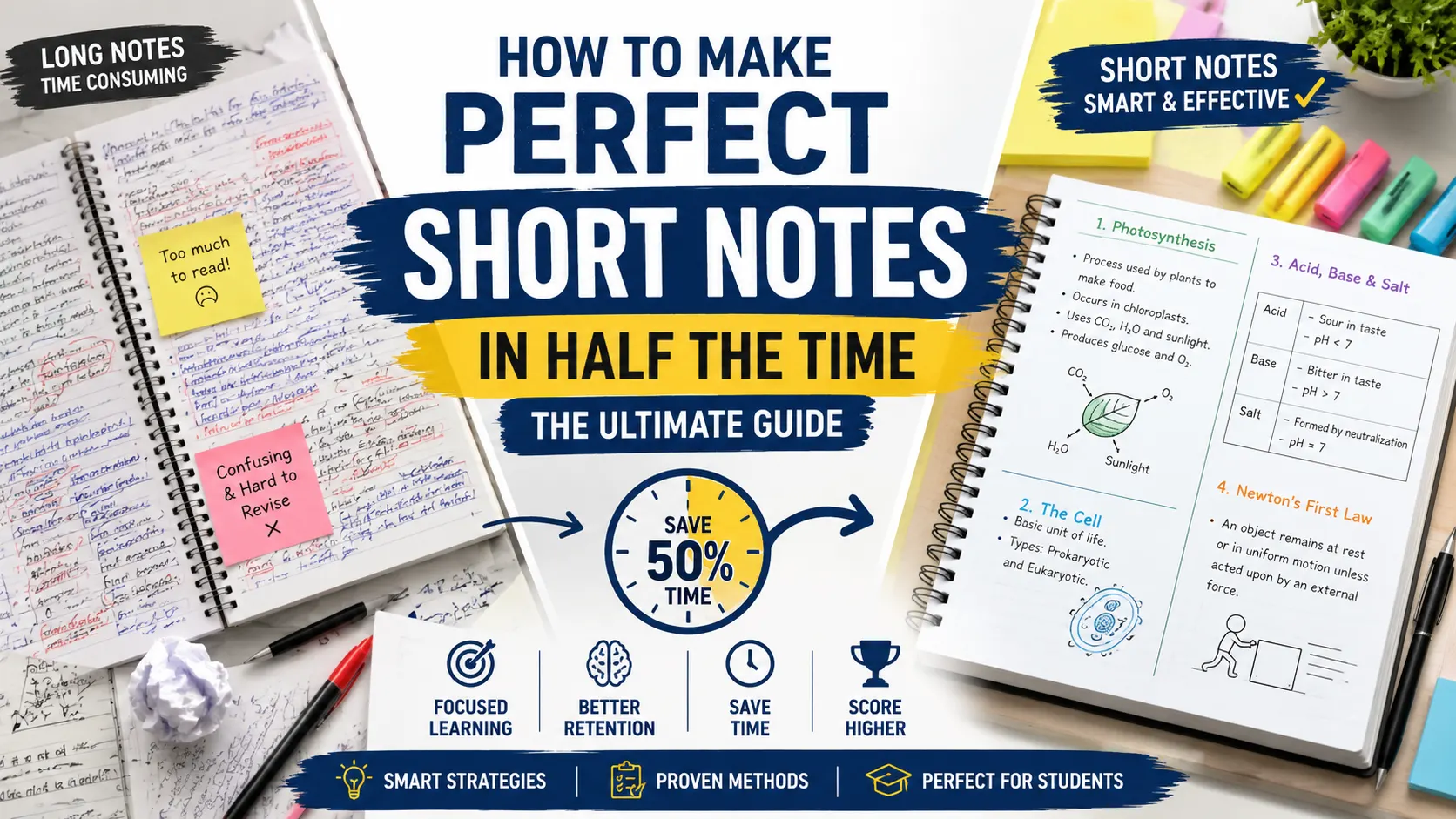
Whether you prefer pen and paper or digital tools these strategies—drawn from proven methods like the Cornell system, cognitive science principles and real-world productivity hacks—will transform your process. Expect to finish with notes that are easier to create, review, and remember.
The Science and Benefits of Short Notes
Your brain isn’t designed to store verbatim transcripts. Research on cognitive load theory shows that overloading working memory with too many details reduces comprehension and long-term retention. Short notes force you to process information actively—paraphrasing, connecting ideas and prioritizing—which strengthens neural pathways.
Key benefits include:
- Time savings: Spend less time writing and more time understanding.
- Better recall: Concise notes with keywords and visuals are easier for brain to retrieve.
- Improved organization: Structured short notes reveal connections you might otherwise miss.
- Reduced stress: Clean notes make revision or meeting follow-ups less overwhelming.
- Flexibility: Easy to expand or share later.
Studies and educators consistently find that students using structured methods like Cornell or outlining outperform those who transcribe linearly. The goal is quality over quantity: capture the essence efficiently.
Step 1: Mindset and Preparation (5 Minutes That Save Hours)
Great notes start before you pick up a pen.
- Adopt active engagement: Focus on listening/reading for main ideas, evidence, examples and implications. Ignore filler.
- Define your purpose: Are these notes for quick revision, deep understanding or sharing? This determines depth.
- Gather tools:
- Analog: Quality notebook, rollerball or gel pen (flows faster), colored pens for emphasis.
- Digital: Notion, Obsidian, Roam Research, GoodNotes, OneNote or Evernote. Many offer templates and AI assistance.
- Create templates: Pre-format pages for Cornell, outlines or mind maps to eliminate setup friction.
Pro tip: Review previous notes for 2 minutes before a new session. This primes your brain and maintains consistency.
Step 2: Core Speed Techniques to Halve Your Writing Time
Implement these immediately for dramatic results.
Keywords, Not Sentences
Focus on nouns, verbs and critical connectors. Limit most points to 5–10 words. Paraphrase in your own words to deepen understanding.
Abbreviations and Symbols
Build a personal shorthand system:
- Common: w/ (with), w/o (without), b/c (because), esp (especially), imp (important), ex (example), cf (compare), → (leads to/result), ↑/↓ (increase/decrease), * or !! (key point).
- Domain-specific: “Gov” for government, “Mkt” for market, “Psych” for psychology.
- Symbols: ?, !, ✓, X, ≈ (approximately).
Caution: Keep abbreviations intuitive so future-you can read them.
One Idea Per Line + White Space
Use bullets, numbering or indentation. Leave generous margins and line spacing for later additions or connections.
Visual Elements
- Diagrams, flowcharts, timelines and icons.
- Tables for comparisons.
- Mind maps for branching ideas.
- Color coding (e.g., blue for definitions, red for examples, green for actions).
Visuals engage both brain hemispheres and can replace hundreds of words.
Listen/Read Selectively
Train yourself to identify high-value information. Ignore tangents unless they add unique insight.
Step 3: In-Depth Look at Best Note-Taking Methods
1. Cornell Method — The Gold Standard for Condensation
Developed at Cornell University this system excels at turning raw input into review-ready notes.
Layout:
- Top: Title and date.
- Right (70%): Main notes during session.
- Left (30%): Cues, keywords, questions (added after).
- Bottom (2–3 inches): Summary in 3–5 sentences.
Workflow:
- Capture raw points on right.
- Within 24 hours: Reduce to cues on left and write summary.
- Review by covering right column and answering left-side questions.
Why it works for short notes: The reduction step forces brevity and active recall. Ideal for lectures, textbooks and meetings. Many users report cutting review time by 50% or more.
Example (History lecture on WW1):
- Right: “Nationalism, entangled alliances, Archduke assassination 1914, arms race.”
- Left: “Main causes WW1?” “Role of assassination?”
- Bottom: “WW1 triggered by mix of long-term tensions + spark event in 1914.”
2. Outline Method — Fast and Hierarchical
Best for structured, linear content.
Structure:
- I. Main Topic
- A. Subpoint
- Detail
- Detail
- A. Subpoint
- Use dashes, bullets or indentation in digital tools.
Keep each entry short. This method shines in fast-paced environments because it mirrors how information is often presented.
When to use: Lectures with clear progression, book chapters or project planning.
3. Mind Mapping and Visual Methods
Central idea in middle. Branch out with keywords, images and colors. Tools like XMind, MindMeister or even paper work well.
Great for creative fields, brainstorming or interdisciplinary topics. Combines well with boxing (grouping related ideas in boxes).
4. Charting Method
Create columns for categories (e.g., Topic | Pros | Cons | Evidence | Questions). Excellent for comparisons or data-heavy subjects.
5. Progressive Summarization (Tiago Forte-inspired)
Layered approach ideal for long-form reading:
- Layer 1: Highlight.
- Layer 2: Bold key sentences.
- Layer 3: Extract bold points into separate note.
- Layer 4: Write your own concise summary.
Step 4: Digital Tools and Modern Enhancements
Digital note-taking often feels faster once you’re proficient:
- AI features: Auto-transcribe meetings (Otter.ai), generate summaries (Notion AI, Claude) or suggest connections (Obsidian plugins).
- Search and links: Instant retrieval and backlinks turn notes into a personal knowledge base.
- Multimedia: Embed images, audio clips, PDFs or web highlights.
- Templates and databases: Automate organization.
Recommended stack:
- Students: GoodNotes or Notability (handwriting + search).
- Knowledge workers: Obsidian or Notion (highly customizable).
- Minimalists: Simple Markdown apps.
Hybrid approach (handwrite in class, digitize key points later) combines best of both worlds.
Step 5: Complete Workflow for Consistent Results
- Pre-session (2 min): Quick review of prior notes + set intention.
- During (Capture): Apply speed techniques aggressively.
- Immediate post (5–15 min): Condense, add cues/summary, fill gaps.
- Weekly review: Scan summaries, test yourself with cues, connect to other notes.
- Long-term: Use spaced repetition apps (Anki) with your note excerpts.
Track your time for the first week to see measurable improvement.
Step 6: Overcoming Common Challenges
- Falling behind in fast lectures: Focus on main ideas only; fill details later. Record audio (with permission) as backup.
- Perfectionism: Embrace “good enough” capture—perfection comes in the condense phase.
- Forgetting shorthand: Maintain a one-page key at front of your notebook or a master digital page.
- Overwhelm with volume: Use progressive summarization and regularly archive old notes.
- Motivation dips: Gamify it—compete with your previous session’s word count or review speed.
Advanced Tips for Mastery
- Feynman Technique integration: Explain concepts in simple terms in your summaries.
- Question-based notes: Frame points as questions to boost active recall.
- Interleaving: Mix topics in reviews for better differentiation.
- Multimedia layering: Link notes to original sources, videos, or podcasts.
- Collaboration: Share digital notes for group projects with comments.
Experiment and iterate. What works for history may differ from coding or biology.
Conclusion: Turn Knowledge into Action
Making perfect short notes in half time isn’t a gimmick—it’s a skill built on selectivity, structure and practice. Start today with one method (Cornell or Outline recommended for beginners) and one speed hack (abbreviations + keywords). In a few sessions you’ll develop your personal system.
The real power comes from consistent application. Your future self—whether studying for exams, preparing for a presentation or reflecting on a book—will thank you.
Action Plan:
- Choose one method and try it on your next learning session.
- Create your shorthand list.
- Review and condense notes within 24 hours.
- After one week evaluate what’s working and refine.
Master this skill and you’ll process information faster, remember more and free up hours every week.
FAQs
Can these methods work for technical subjects like math or coding?
Yes! Use more diagrams, pseudocode snippets and tables. Combine outlining with visual mapping for algorithms.
Handwriting vs typing—which is better?
Handwriting often aids memory through motor engagement but typing is faster for volume. Choose based on context or go hybrid.
How do I maintain consistency?
Set a simple rule (e.g., always condense same day) and review your system monthly.
What if I’m using these for work meetings?
Add action items and owners in a dedicated section. Share summarized versions with teams.